
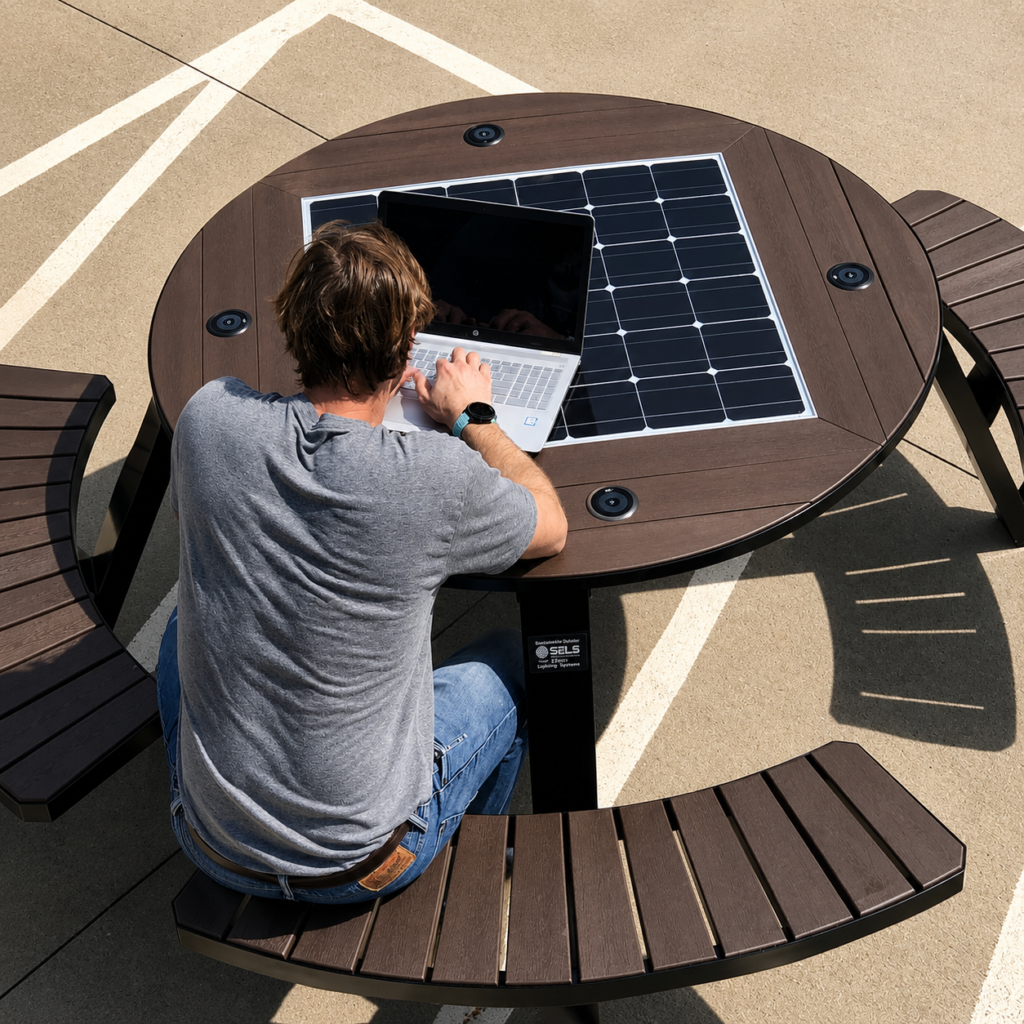
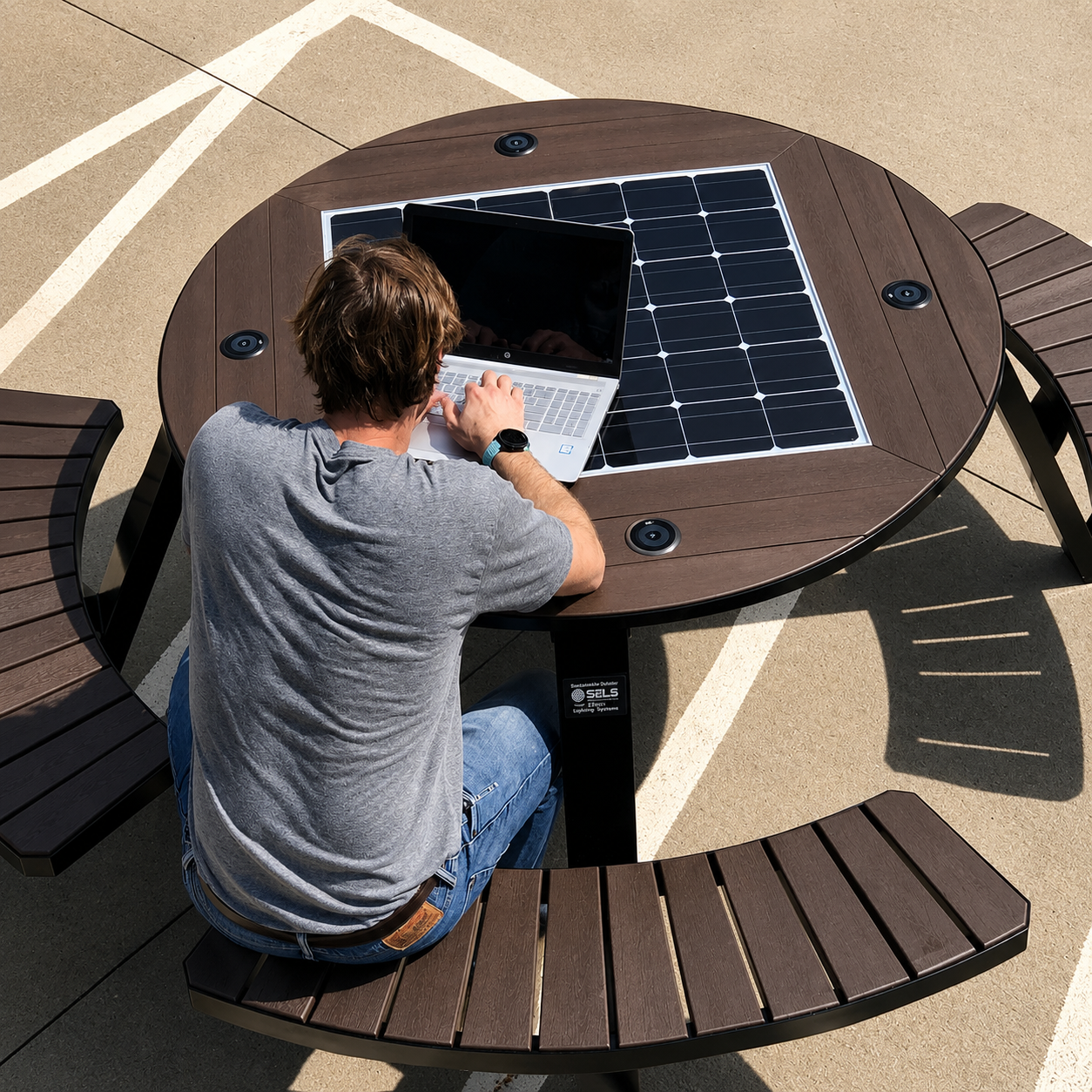
A solar bench charging station gives people a place to sit while charging mobile devices from electricity generated and stored on site. It may include USB-A ports, USB-C ports, wireless pads, lighting and other smart functions in one outdoor structure.
For project buyers, the difficult part is not deciding whether charging sounds useful. The real task is making sure the bench can deliver the required output safely and consistently under actual site conditions.
The number of visible charging points tells only part of the story. Panel output, battery capacity, controller logic, port ratings, simultaneous use, connector protection, component access and local sunlight all affect the result. This guide explains the questions that should be answered before approving a solar charging bench.
How a Solar Bench Charging Station Supplies Power
The charging path normally contains four stages:
- A photovoltaic panel converts sunlight into direct-current electricity.
- A charge controller regulates the power and battery charging process.
- A rechargeable battery stores energy for later use.
- Output modules convert and regulate the stored energy for USB or wireless charging.
Some designs power active loads while charging the battery. Others apply a specific priority sequence. When stored energy is low, the controller may reduce output, turn off lighting or disable selected charging functions.
Project specifications should state what the bench does in a low-energy condition. Otherwise, two products with similar-looking components may provide very different user experiences.
USB-A, USB-C or Wireless Charging?
Each interface serves a different need.
USB-A charging
USB-A remains familiar and works with many existing cables. It can be a practical option for public installations where compatibility is important.
The buyer should confirm:
- rated voltage and current;
- total shared output;
- overload and short-circuit protection;
- cover or sealing arrangement;
- and whether the module can be replaced without dismantling the entire bench.
USB-C charging
USB-C supports newer devices and can provide a more future-oriented interface. However, not every USB-C port provides the same charging performance. A connector shape alone does not confirm the available output or charging protocol.
Specify the required output profile and whether several ports must deliver that output at the same time. If laptop charging is expected, that requirement should be stated explicitly because it can materially change the daily energy demand.
Wireless charging
Wireless charging reduces dependence on a cable connector exposed to public use, but it requires compatible devices and correct placement on the pad. Charging efficiency and user behavior should be considered in the energy calculation.
For outdoor use, buyers should also review:
- pad position and visibility;
- surface drainage;
- impact and scratch resistance;
- heat management;
- replaceability;
- and instructions that help users align their devices.
A combined configuration
Many projects use a combination of USB-A, USB-C and wireless charging. This improves compatibility, but it also increases possible simultaneous demand. The electrical design must be based on the combined load rather than the rating of one outlet.
The Most Important Number: Simultaneous Output
A bench may have four ports but may not deliver the maximum printed rating from all four at once. Ask for both:
- maximum output per port; and
- maximum total output when all charging points are in use.
This distinction matters in campuses, transit areas and public plazas where several users may connect at the same time.
The quotation should also explain whether the system dynamically shares power between ports and whether output changes when the battery reaches a defined low-energy threshold.
How Battery Capacity Relates to Charging Demand
Battery capacity should be selected from an energy budget. A practical calculation begins with:
- expected charging sessions per day;
- average duration of each session;
- typical output per session;
- lighting consumption;
- sensor, router or display loads;
- conversion losses;
- desired reserve for cloudy weather;
- and allowable battery operating range.
Simply choosing the largest available battery is not always the best answer. A larger battery adds cost and space, and it still needs sufficient solar generation to recharge. The panel, battery and load should be designed as one system.
For preliminary planning, separate the loads into three categories:
| Load group | Examples | Priority question |
|---|---|---|
| Core service | USB charging, essential controller functions | What minimum service must remain available? |
| User experience | Wireless charging, ambient lighting | Can it be limited when stored energy is low? |
| Optional smart functions | Wi-Fi, sensors, display, audio | Is the added energy and maintenance justified? |
This makes load-shedding priorities easier to define.
Solar Panel Placement and Shading
A solar bench charging station can only store energy that its panel produces. Panel location should therefore be reviewed during site planning.
Check for:
- tree shade at different times of day;
- future tree growth;
- shadows from buildings, signs and shelters;
- panel orientation;
- seasonal sun-angle changes;
- snow, dust or leaf accumulation;
- and the ability to clean the panel safely.
The U.S. Department of Energy describes orientation, tilt, structural support and load requirements as core PV design considerations. For a bench, the final arrangement must also preserve comfortable seating, visibility and safe circulation.
If a preferred seating location is heavily shaded, the design team can evaluate another location, a remote panel, a different panel arrangement or a hybrid supply. Increasing battery capacity without improving energy input is not a complete solution.
Weather Protection for Outdoor Charging Interfaces
Charging modules are frequent contact points, so they require more attention than protected internal electronics.
Review the following details:
Enclosure classification
Ask the supplier which enclosure or individual module has been tested and what protection classification applies. IEC 60529 defines the IP Code system for degrees of protection provided by electrical enclosures. Do not assume that one stated IP rating automatically applies to every port, seam and internal compartment.
Drainage
Water should not collect around charging pads, port recesses or access doors. Covers and seals should work together with the geometry of the enclosure.
Corrosion resistance
Fasteners, hinges, port surrounds and cable entries should suit the environment. Coastal and high-humidity locations need particular attention.
Replaceable modules
Public charging interfaces experience wear. A good design allows a damaged port or pad to be replaced without removing the whole bench or damaging the finish.
Cable management
Internal cables should be protected from sharp edges, heat, water paths and unauthorized access. External user cables should not cross a main pedestrian route.
Should the Bench Include Lighting?
Lighting can help users find charging points and can improve the visibility of the bench at night. It also adds a predictable daily energy load.
Before including lighting, define:
- its purpose;
- operating hours;
- required brightness;
- control method;
- whether dimming is acceptable;
- and its priority relative to charging.
Motion sensing or scheduled dimming may reduce unnecessary consumption. Lighting should not create glare for nearby residences, drivers or pedestrians.
What Happens During Several Cloudy Days?
The answer depends on the energy balance and control strategy. A robust specification should define:
- desired days of autonomy;
- minimum permitted battery state;
- which functions are reduced first;
- how the system recovers;
- and how maintenance staff can see the system status.
For example, the controller might dim decorative lighting, pause wireless charging and retain limited wired charging. Another project may prioritize lighting for safety. The correct sequence depends on the service objective.
User Safety and Accessibility
Charging points should be reachable from a stable, usable position. Avoid layouts that require a wheelchair user to enter a planting area or that force charging cables across an accessible route.
The U.S. Access Board emphasizes continuous, unobstructed accessible routes and stable, firm, slip-resistant ground surfaces. Local requirements vary, so the project designer should confirm the rules that apply to the installation.
Also review:
- rounded edges and protected corners;
- surface temperatures in direct sun;
- pinch points around access panels;
- tamper-resistant fasteners;
- clear operating labels;
- and emergency isolation procedures for maintenance staff.
Solar Bench Charging Station Specification Checklist
Include the following in the RFQ:
- Project location and climate.
- Proposed bench position and shading information.
- Expected users and charging sessions per day.
- USB-A, USB-C and wireless quantities.
- Required per-port and total simultaneous output.
- Devices expected to be charged.
- Lighting and smart-function loads.
- Panel rated power and mounting arrangement.
- Battery chemistry, rated capacity and replacement access.
- Low-energy operating strategy.
- Enclosure and charging-interface protection requirements.
- Structure, finish, color and branding.
- Foundation and anchoring method.
- Monitoring or maintenance indicators.
- Spare charging modules and documentation.
Frequently Asked Questions
How many phones can a solar charging bench charge?
It depends on the number of interfaces, their individual ratings, the system’s total simultaneous output and the stored energy available. Ask for a combined-load specification rather than only a port count.
Can a solar bench charge laptops?
Some configurations can support higher-output USB-C charging, but this must be specified and included in the energy calculation. It should not be assumed from the presence of a USB-C connector.
Is wireless charging better for outdoor use?
Wireless charging avoids an exposed user cable connector but brings its own efficiency, alignment, surface and heat-management considerations. Many projects use both wired and wireless options.
Will charging stop at night?
Not necessarily. At night the system can operate from its battery. Availability depends on stored energy, loads and controller settings.
Can the charging ports be replaced?
They should be treated as serviceable components. Ask how the module is accessed, what tools are required and whether replacement affects the enclosure seal or finish.
Specify the Service, Not Just the Hardware
The best solar bench charging station is not the one with the longest feature list. It is the one whose generation, storage, outputs and control strategy match the actual users and site.
Before comparing quotations, define how many people should charge at once, what output they need, which functions remain available during low-energy periods and how worn components will be replaced. Those answers turn a generic smart bench into a maintainable public service.
For broader selection criteria, read the solar bench buying guide. Yubang can also configure custom solar smart benches around the required charging interfaces, structure, finish and project conditions. Send your site, functions, quantity and expected users for a project-specific proposal.
Suggested external references
- U.S. Department of Energy, Solar Photovoltaic System Design Basics: https://www.energy.gov/cmei/systems/solar-photovoltaic-system-design-basics
- IEC 60529, Degrees of protection provided by enclosures: https://webstore.iec.ch/en/publication/2452
- U.S. Access Board, Guide to Accessible Routes: https://www.access-board.gov/ada/guides/chapter-4-accessible-routes/
